
Sales Emails
This can be found from the Sales Emails menu of the Sales Configuration.
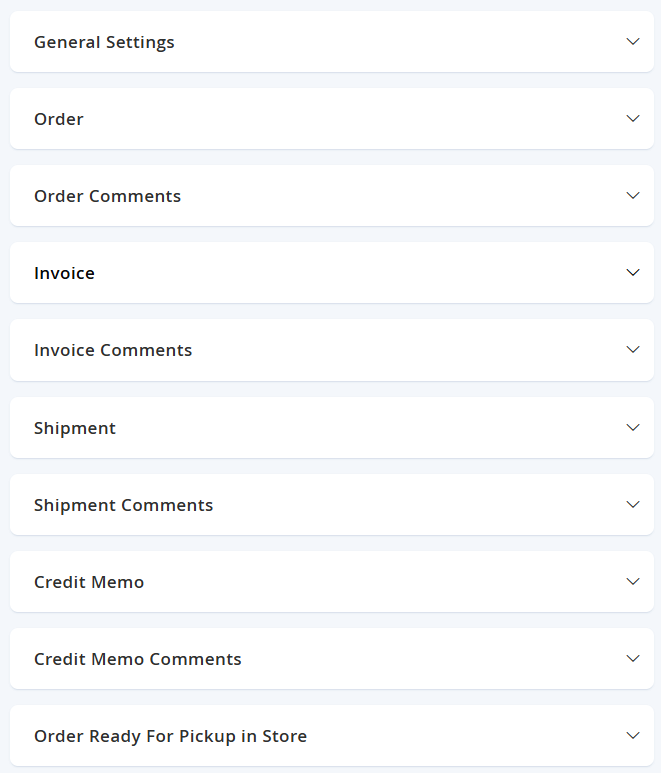
This section primarily focuses on configuring the default sales emails generated by the platform. Here you can choose who the Senders are (provided by the configuration set in the Stores > Settings > Configuration > General > Store Email Addresses), and the templates for you would like to use for each of the triggers (custom templates managed in Marketing > Communications > Email Templates).
For the most part, the fields for each trigger are the same. You can leave the General Setting and Order Ready For Pickup in Store as default as these are not used. The other settings will contain the same fields for each trigger:
| Field Name | Notes | Scope |
|---|---|---|
| Enabled | Activates this trigger to send an e-mail. | Store View |
| Email Sender | Sets which Store Email Address this e-mail to come from. | Store View |
| Email Template | Sets what email template is used when sending this trigger. | Store View |
| Email Template for Guest | Sets what email template is used when sending this trigger for guest customers (not registered on the platform). | Store View |
| Email Copy To | Allows you to input other e-mail addresses that can be copied when this e-mail is sent. | Store View |
| Email Copy Method | Allows you to either Cc or Bcc the Email Copy To addresses for this e-mail.
| Store View |
Select Save Config from the top right when configuration is complete.
Updated over 1 year ago