
Adding Maps API to your Google Account
You can select Discover and Enable APIs from this Google Maps Platform screen, and access.
Alternatively you can also select Enable APIS and Services to allow you to choose your Maps API from the APIs and Services Dashboard.

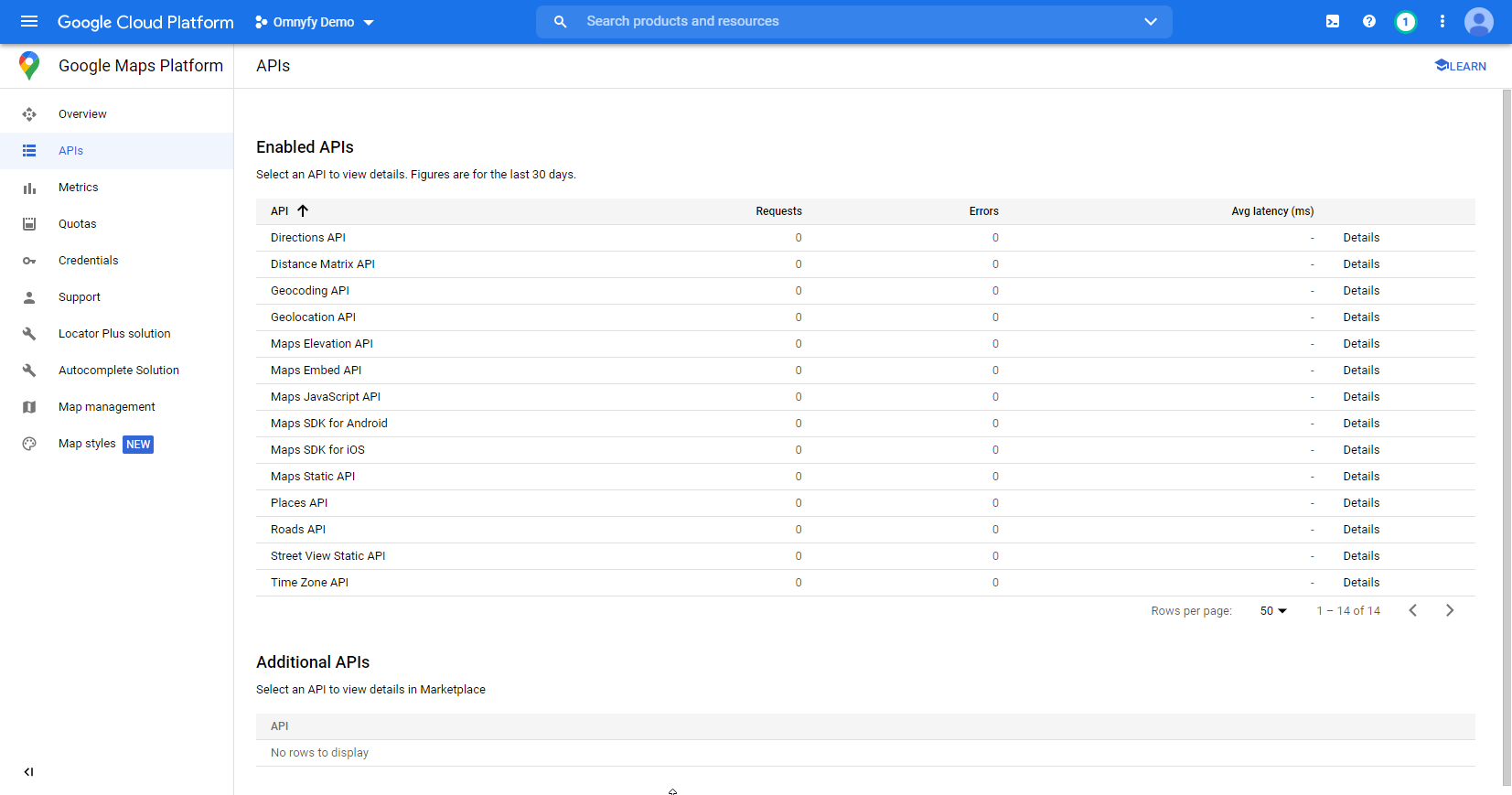
You should already have the required Google Maps API enabled. You need the following as a minimum:
- Directions API
- Distance Matrix API
- Geocoding API
- Maps JavaScript API
- Maps Static API
- Maps API
- Places API
You can find these under the Enabled API section of your dashboard. So long as at the very least, these are enabled, then you should be fine.
You can keep the others that are there, though if you are already familiar with the Google APIs, you can also remove any APIs that may not be necessary (at your own discretion).
Updated 8 months ago
Did this page help you?